QR invitations
made simple.
Create a QR code for each invitation. Print or download it, and use the same code on every allowed event day.
YOU’RE ON THE LISTThe Gathering ’26YOUR INVITATION · INV-0042
Create QR invitations, scan guests in, and see who has arrived. Everything your event team needs, in one place.
An Itxperts productAarav Mehta
INV-0042 · Day 1MADE FOR YOUR KIND OF EVENT
From sending invitations to checking attendance, keep your team ready for every arrival.
Create a QR code for each invitation. Print or download it, and use the same code on every allowed event day.
Your gate team uses the Android app to scan invitations. You choose who can scan for each event.
Each invitation allows one entry per day. Your team sees a warning if the same code is scanned again.
Follow attendance as it happens. Review scan history and export reports when it’s time to wrap up.
Manage your events, guests, and team in your own workspace. Only authorized accounts can access your records.
See Eventmaster on Android: scan invitations, keep track of arrivals, and spot repeat check-ins at a glance.
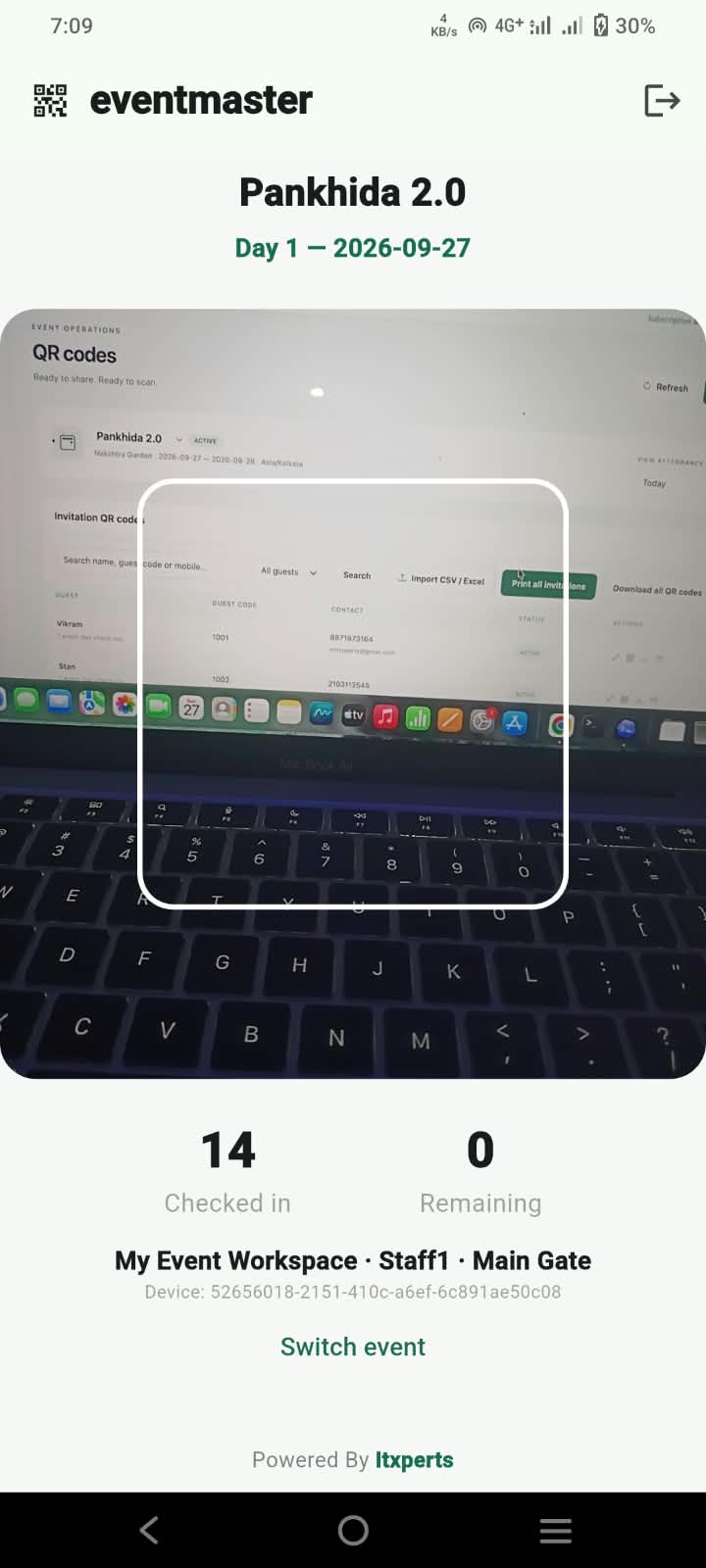
Your event, scanner, and attendance counts together on one screen.
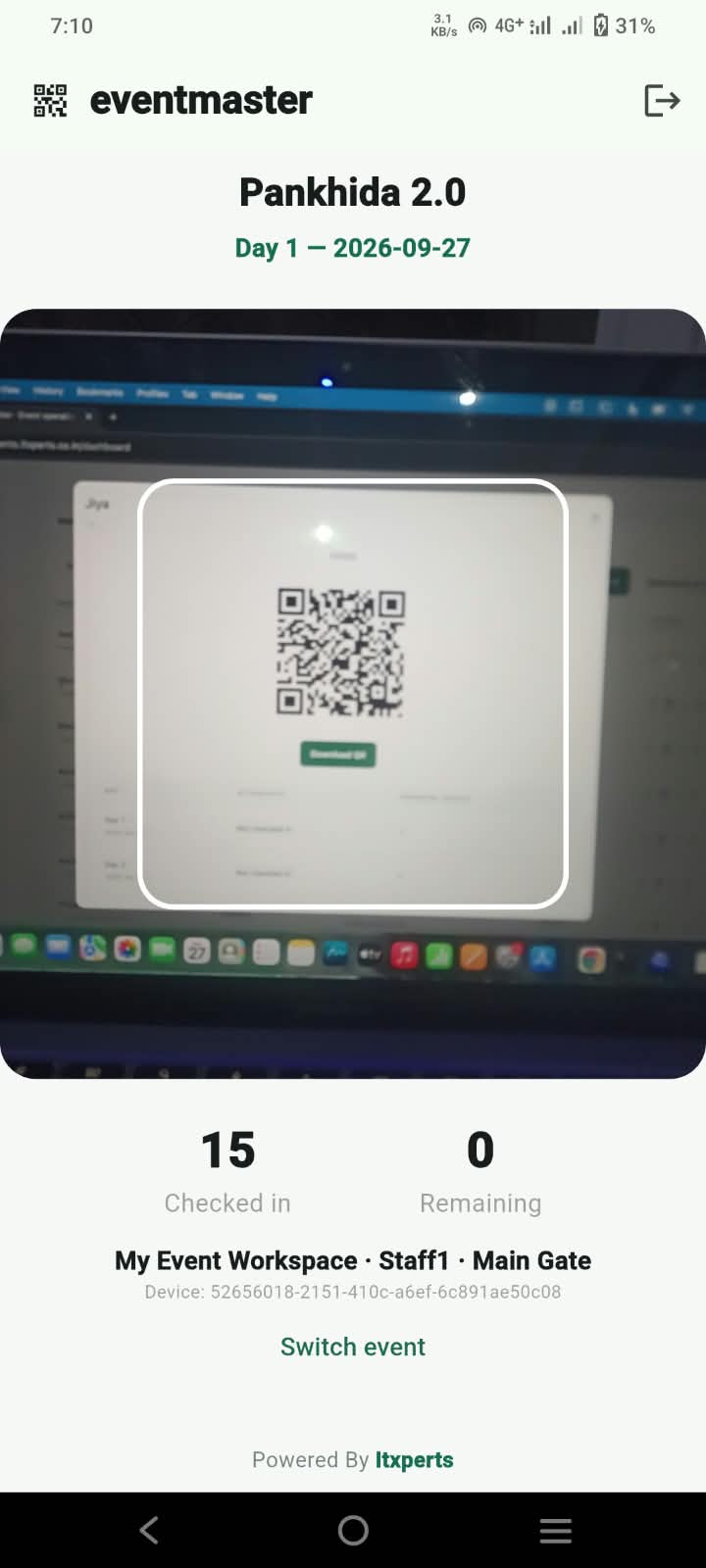
Read QR invitations directly from a guest’s phone or printed pass.
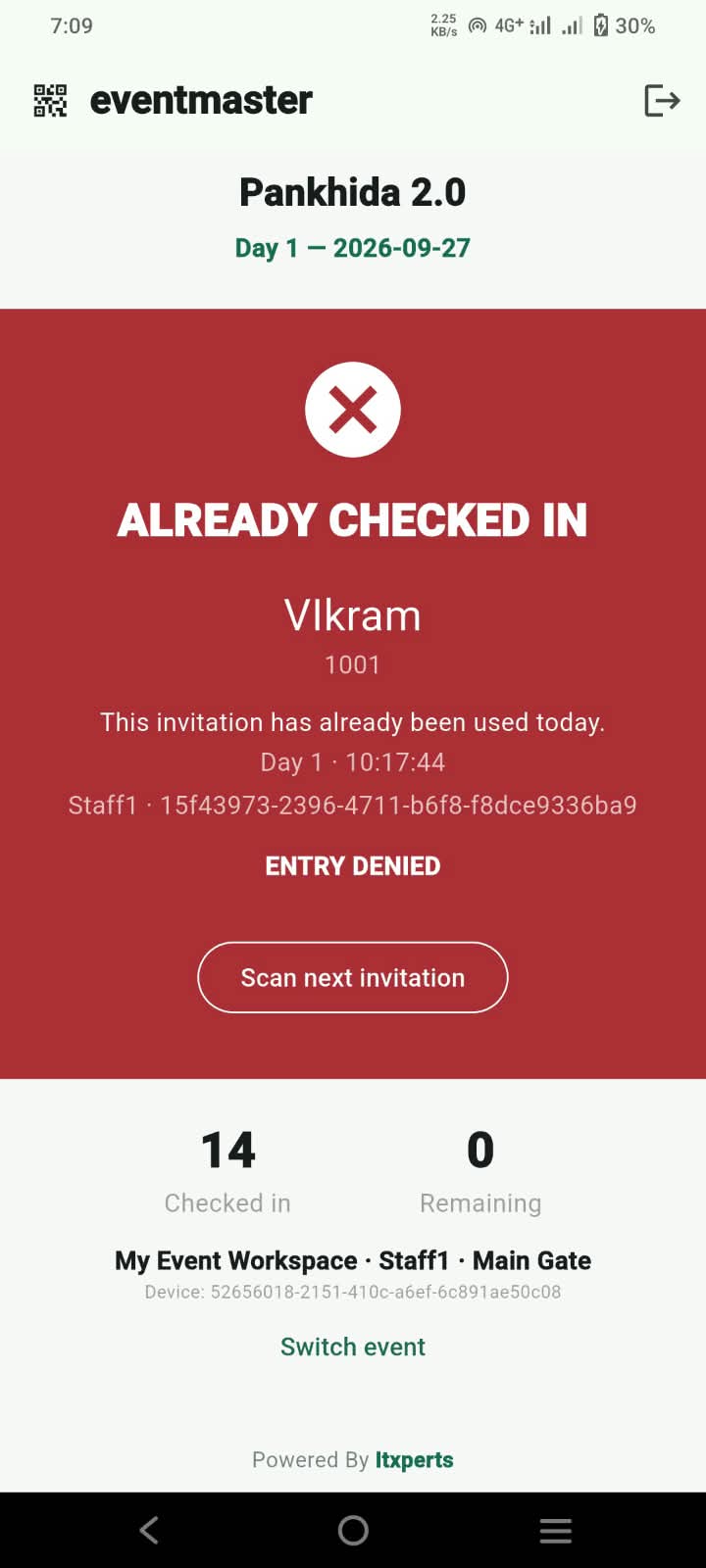
A clear warning tells your team when an invitation has already been used.

Install the app, sign in with your operator account, and start scanning invitations.
Download Android appAn operator account and an internet connection are required. This download is for Android phones.
Screens from the Android app · Internet connection required for check-in.
Create your event, choose its days, and add or import your guest list.
Issue QR invitations, assign operators, and connect their Android scanners.
Scan at the gate, get a clear result, and follow attendance from your dashboard.
Each guest received a branded QR entry pass, valid across both event days. At the gate, the Eventmaster scanner verified each pass before admission.
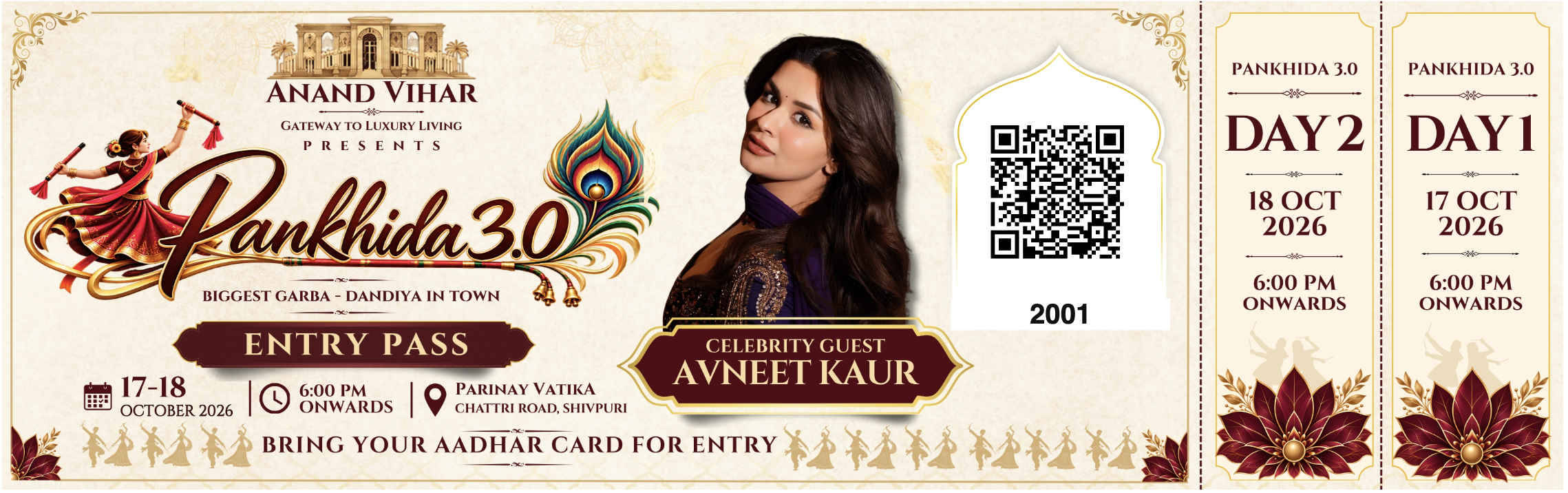
Pankhida 3.0 brought its guests, team, invitations, and entry flow together with Eventmaster.

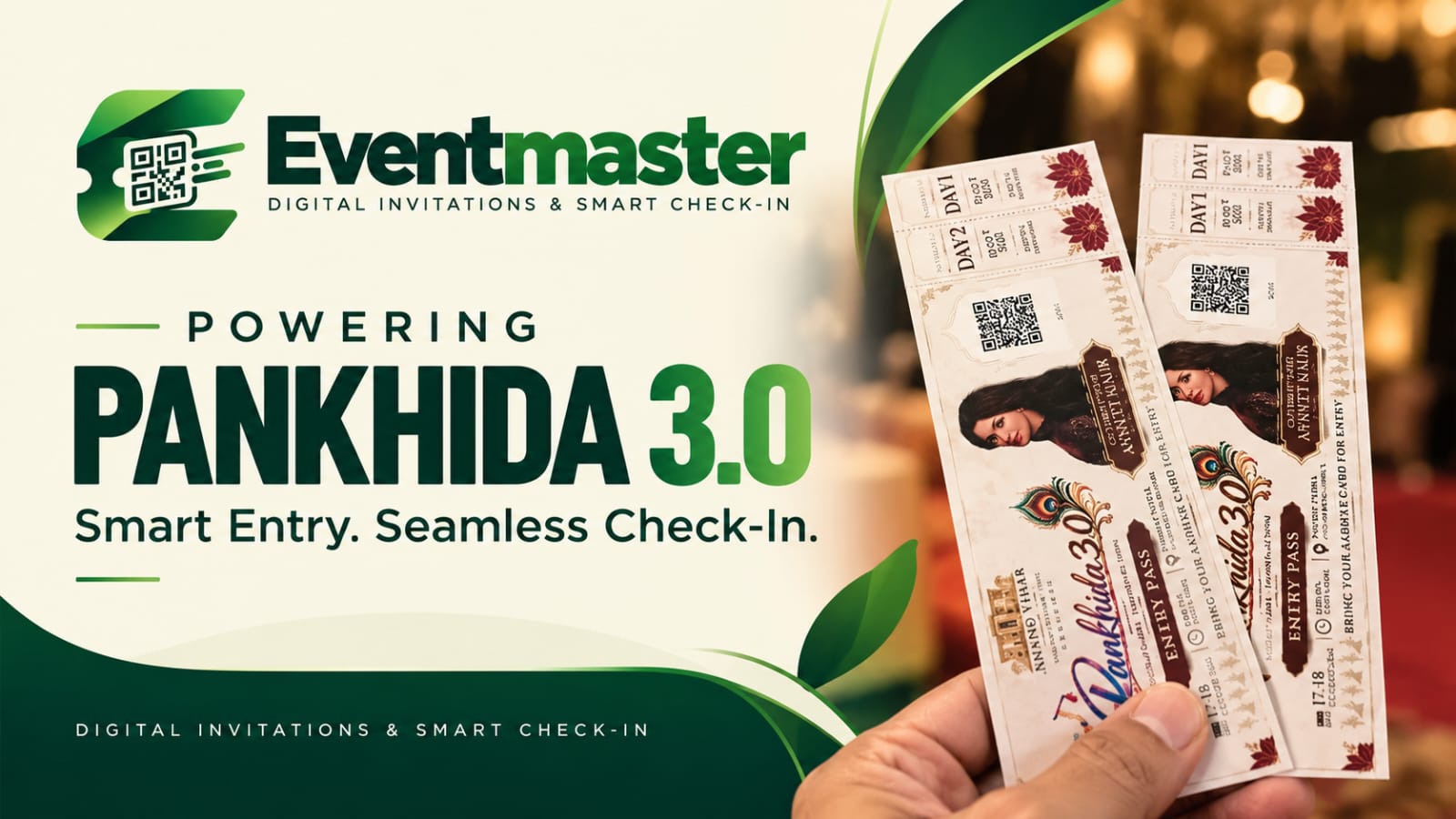
Every plan includes branded QR invitations, live attendance, and Android scanner access. Larger or multi-event requirements can be tailored for you.
per event · taxes extra, if applicable
per event · taxes extra, if applicable
Need different limits? Tell us what you have in mind.
No. Each invitation has a permanent QR code. It can be used once on each enabled event day, subject to the guest’s day permissions.
An internet connection is required. Every scan is verified by the server so all operators share the same attendance record. The app never grants entry from an offline result.
Yes. Assign your operators to an event and connect their devices. The server prevents the same invitation from being accepted more than once for that day.
Managers work in separate organization workspaces. Your event records, guest lists, and reports are accessible through your organization’s authorized accounts.
Send an access request below. The platform owner will review your requirements, confirm the subscription, and create your manager account. Existing managers can use Sign in.
Tell us a little about your team and your event. We’ll help you find the right workspace.
Let’s get to know your event.